Export a table
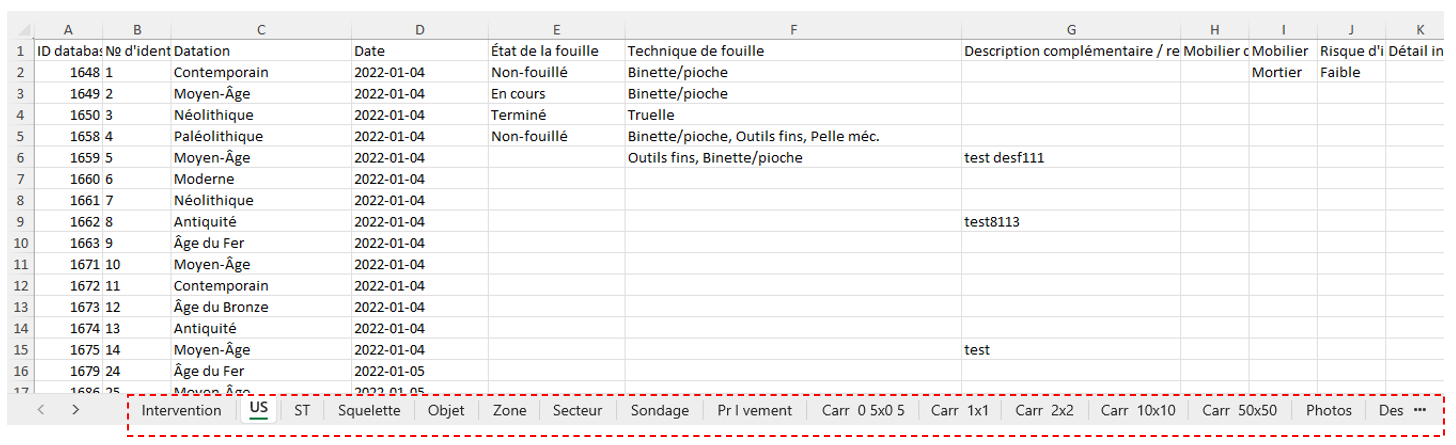
Tables can be easily configured and exported in Excel format. Typically, users export tables to attach them to a report or to update them from Excel and then re-import them into the program.

The export icon  is located at the top of each table. Once clicked, the table is downloaded and appears in the computer’s download folder.
Export an intervention
The configuration menu  includes export functions. Click the Export intervention data button to open the following window.

| Export data only (Excel file) |
|
| Export all: data, images, drawings, and documents |
|

A more complex process of automatic export to an organization’s servers can be implemented. In such a case, please contact ArcheoBase support (support@archeobase.org).