ArcheoBase is a website that has the unique feature of being installable like an app on your tablet or computer, thanks to a technology called "Progressive Web App (PWA)".
Installation is highly recommended as it greatly improves the usability and user experience of the program on tablets. This will allow ArcheoBase to run in full screen, without the search bar, window frame, or the browser's scroll bar. The space savings are significant, navigation is greatly improved without a scroll bar, and the drawing tool cannot function properly if a scroll bar is present.
If you encounter any issues installing the app, please contact ArcheoBase Support via email.
The steps to follow are described below.
1. Update Chrome browser
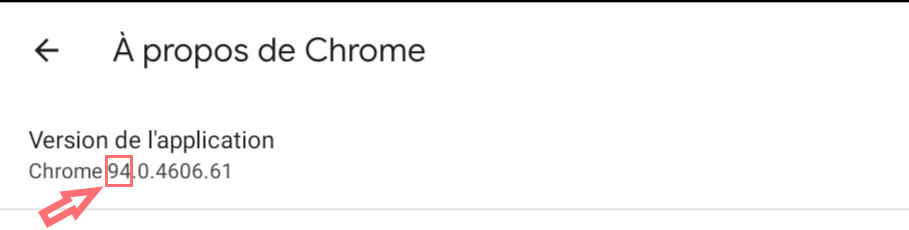
On your tablet, make sure your Chrome browser is up to date and has at least version 94.
Open the "Chrome" browser on your tablet or computer
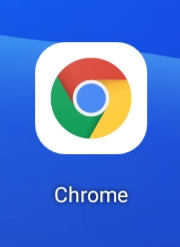
Open Chrome settings:

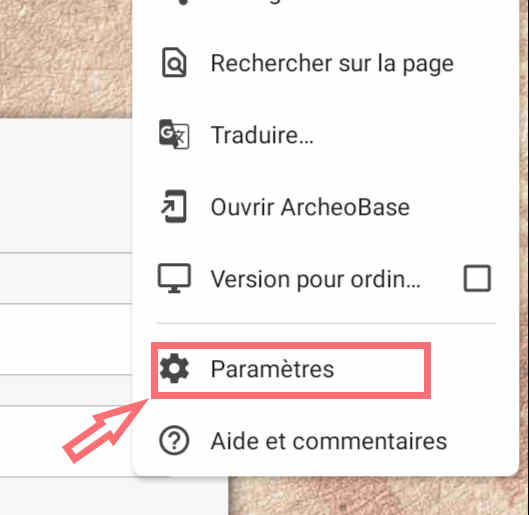
Select "Settings" from the dropdown menu:
Select "About Chrome":
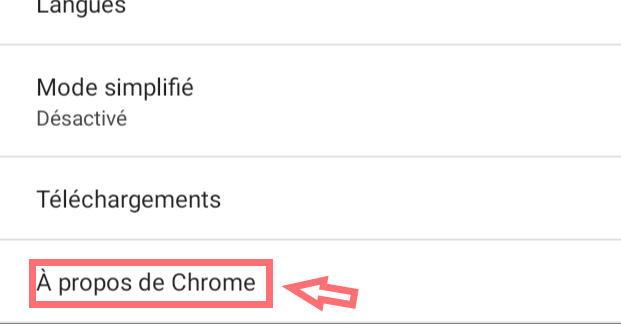
Make sure the version number is at least 94. If not, please update Chrome:
2. Install the application
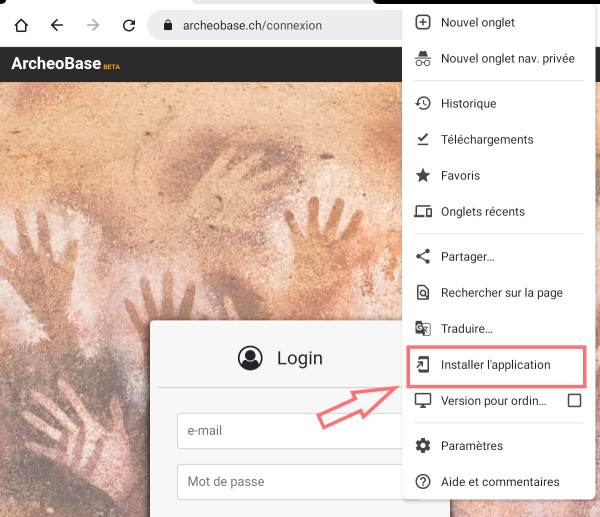
In the "Chrome" browser, go to https://archeobase.ch and open the browser menu:
Select "Add to Home screen"
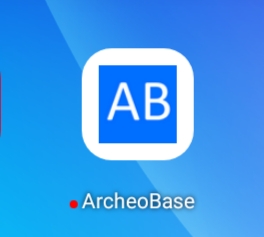
Once installed, you will see the following icon appear on your desktop.
3. Disable autofill content
Browsers offer to automatically fill in fields such as addresses, credit cards, or other data. It is important not to use this feature within the program.
To disable this option, go to the browser settings:
Select "Settings" from the dropdown menu:
Select "Addresses and more"
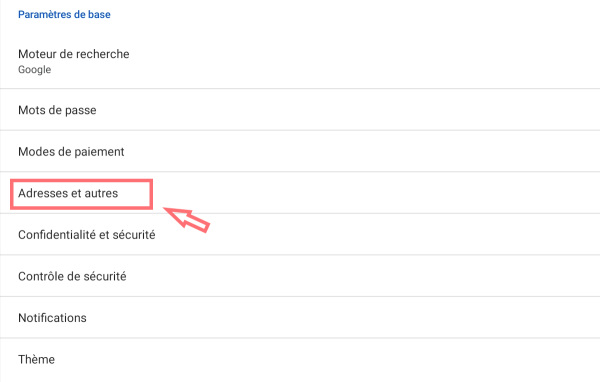
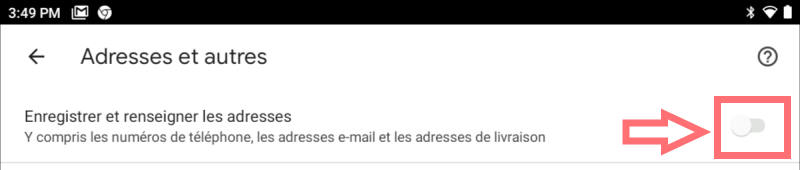
Turn off the option "Save and fill addresses":