Harris Matrix
The Harris Matrix is one of archaeology's fundamental tools, and one of its most tedious to produce. ArcheoBase generates a complete, interactive matrix from your stratigraphic relationships in a single click, and keeps it connected to your data.
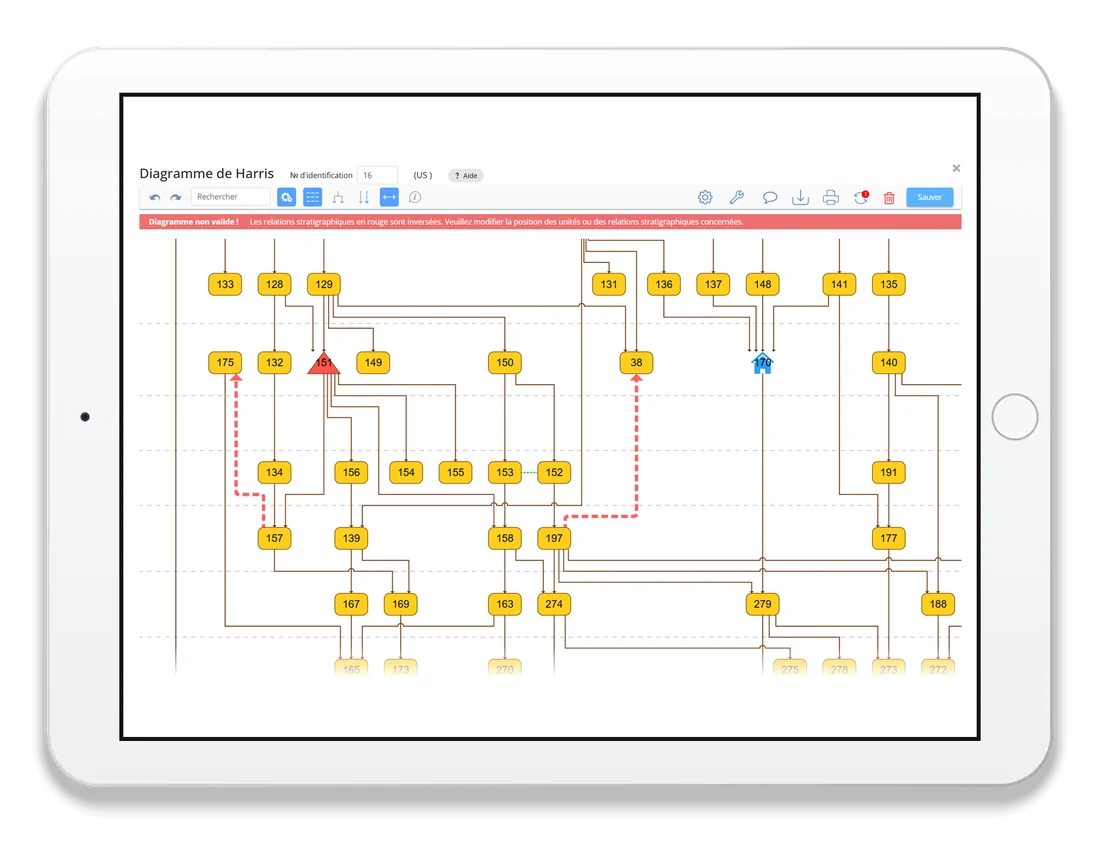
Generated at any stage of the excavation, the Harris Matrix lets you validate the consistency of your data.
One click from field
records to matrix
No redrawing, no separate software.
The matrix is built from the stratigraphic relationships already entered in your forms.

Generate it from your records.
ArcheoBase reads the stratigraphic relationships already in your forms and lays out the complete matrix automatically, every unit in its place.

Build it by hand.
Prefer a blank page? Click to add an element, drag from one to another to define the relationship. Full manual mode is always available.
The matrix that checks
your stratigraphy
The graph algorithm automatically detects errors in stratigraphic relationships and highlights impossible connections in red. What used to surface months later in post-excavation now appears while the trench is still open.
Features designed for the field
A real-world matrix grows quickly. Filter, group, simplify: ArcheoBase helps you keep it legible at every stage.

Filter
Choose which forms the matrix is built from, then keep only the elements linked to a given sector, area or any other record.

Group
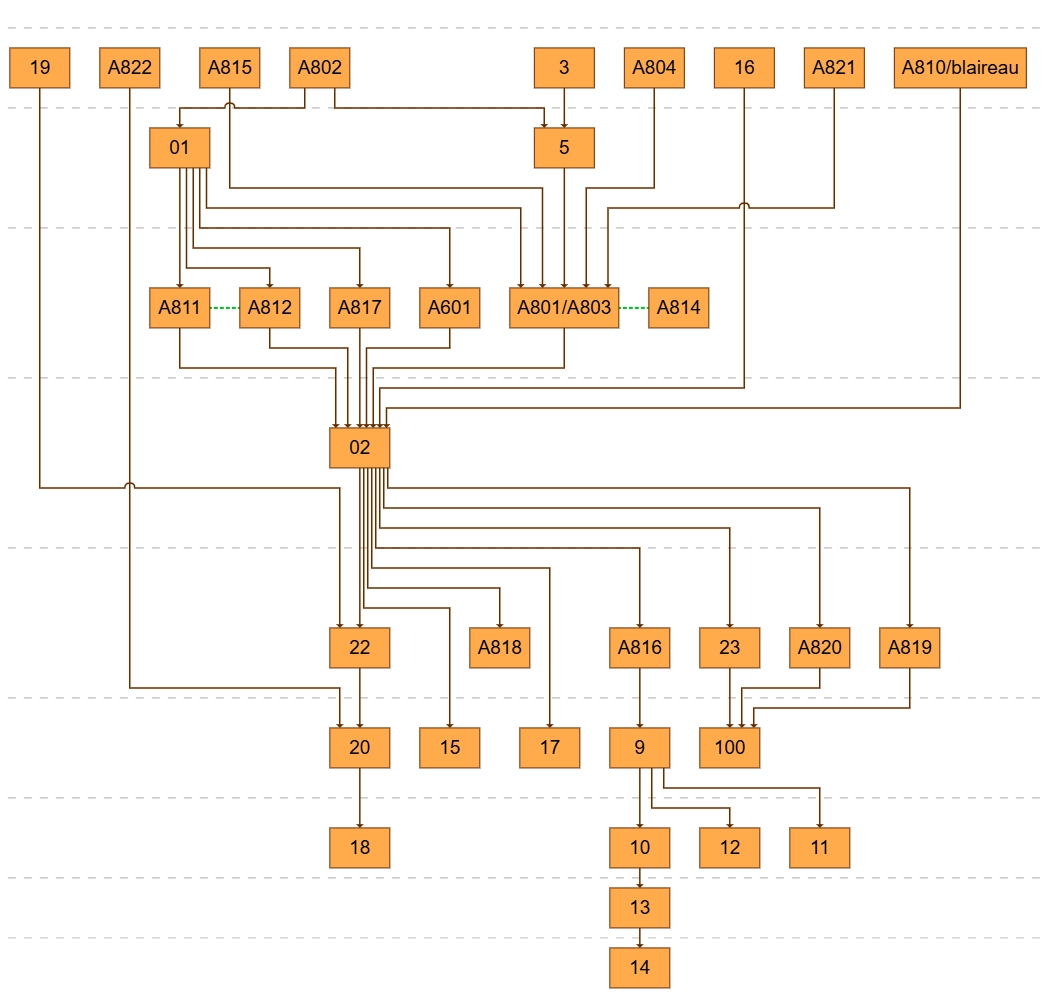
Group units belonging to the same entity into collapsible boxes: a structure encloses its units, one click folds it away.

Stratify
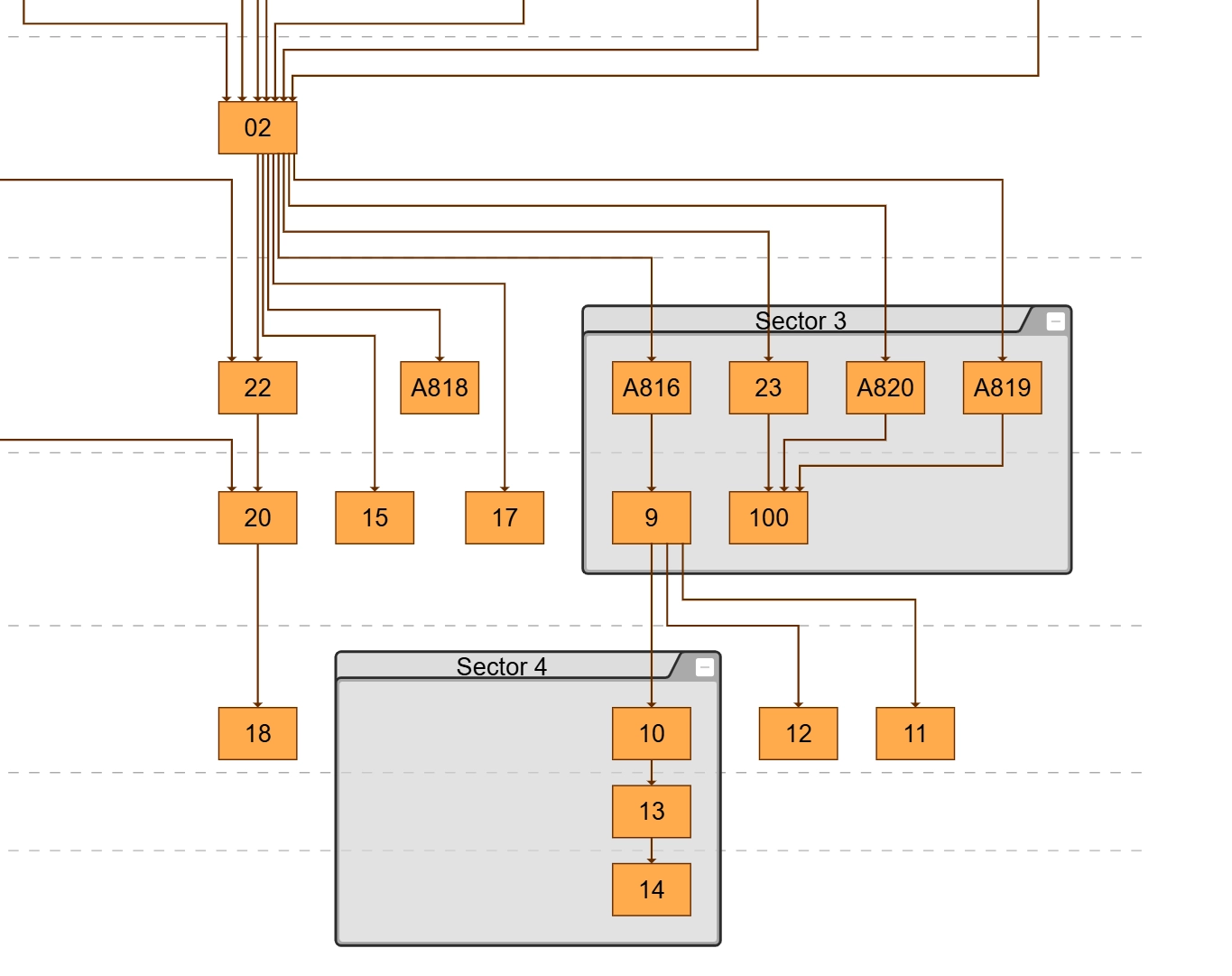
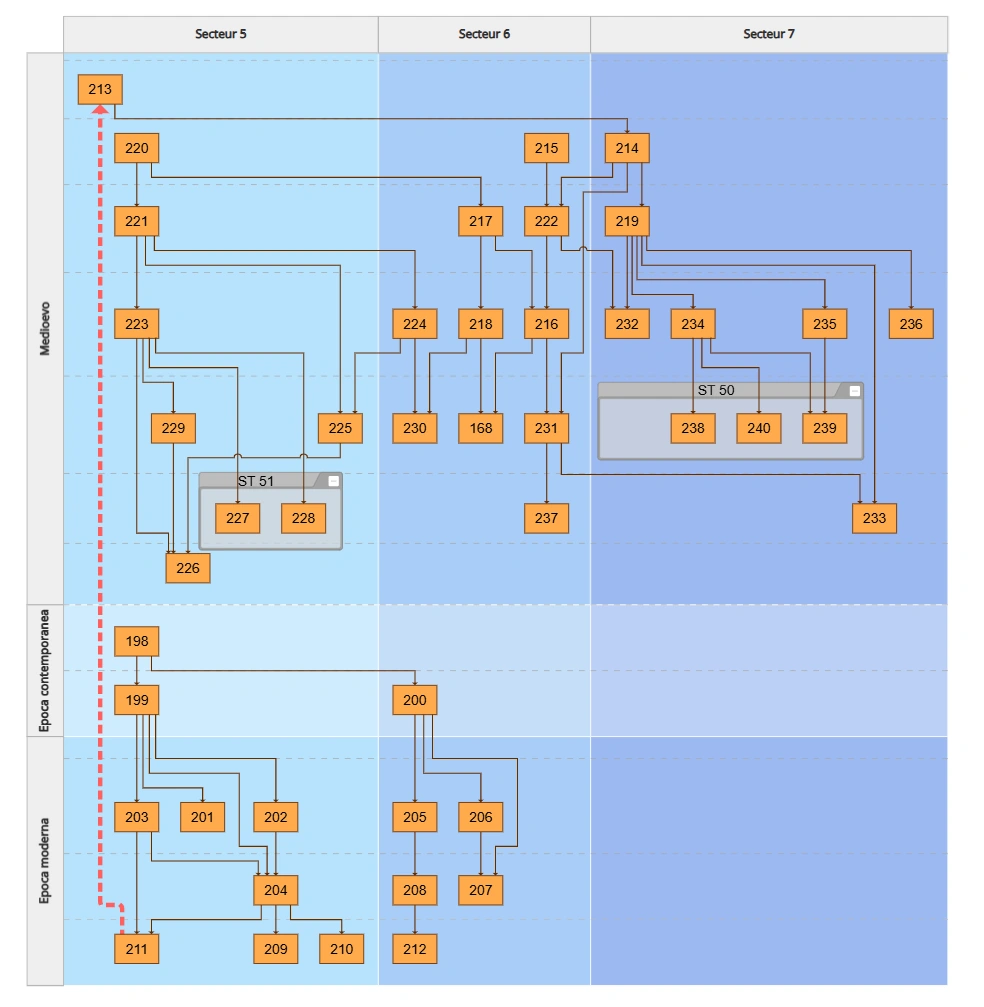
Stratify the layout into rows and columns: for example, rows by dating, columns by sector. Grouping happens automatically.

Icons
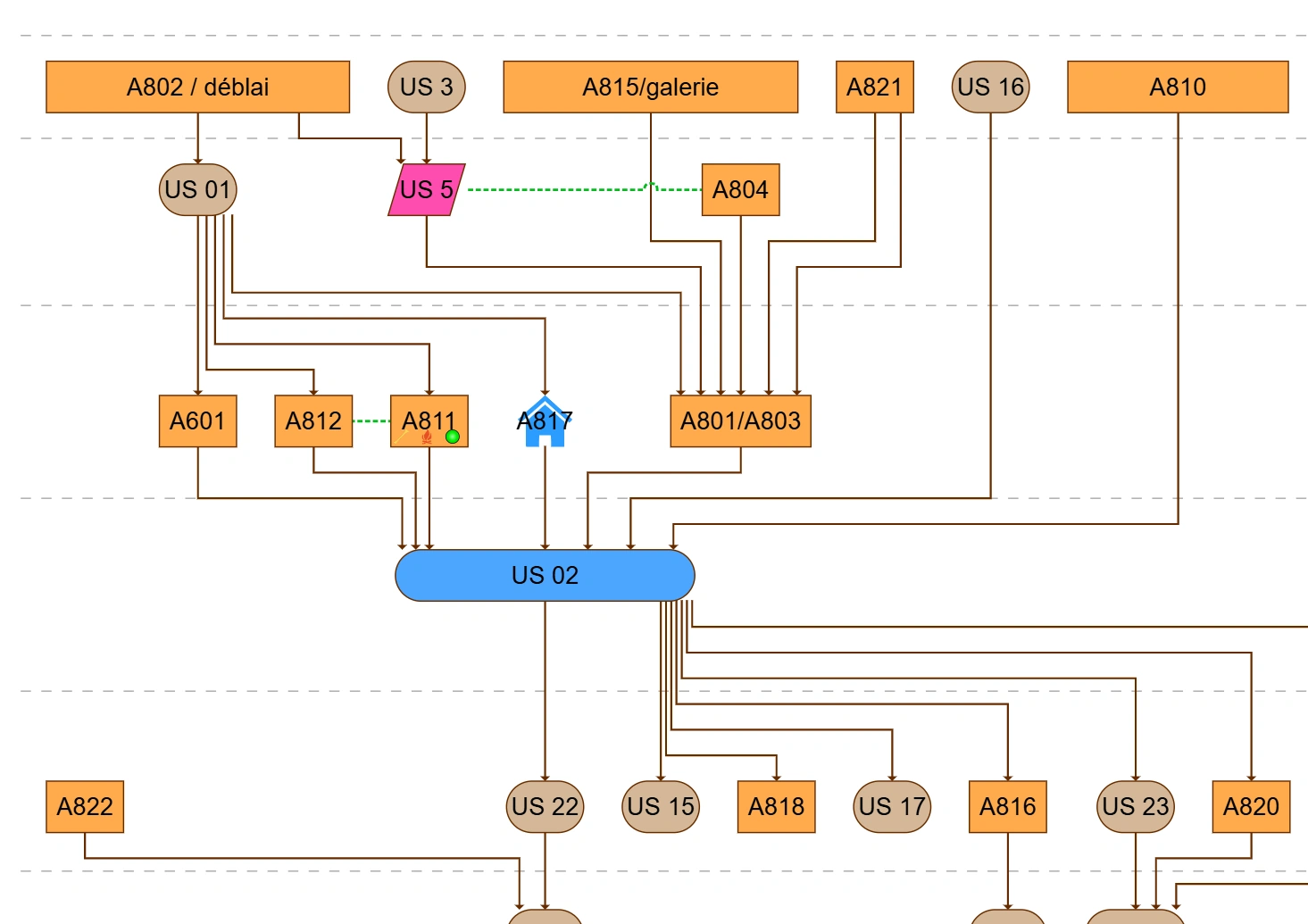
Add rule-based icons: a charcoal symbol on every unit with charcoal inclusions, a marker on every unit with associated finds. Define the rule once, and it applies automatically.

Tooltip
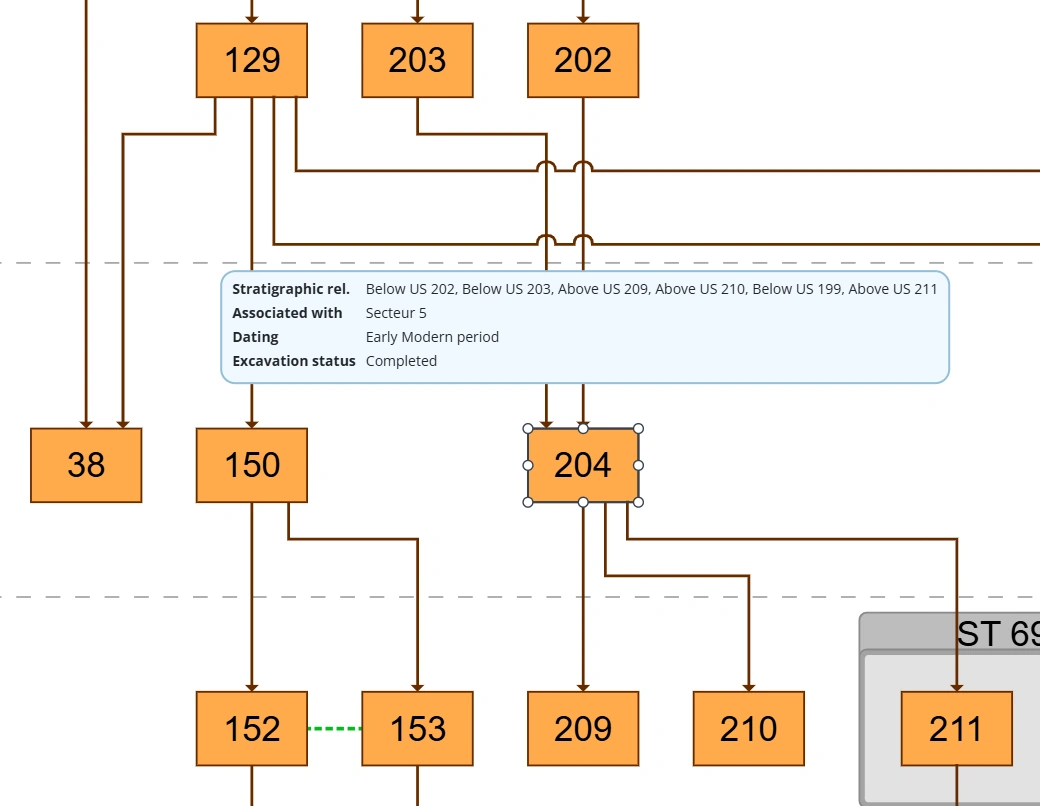
Tooltips on demand: click any element to see its dating, interpretation, or any fields you choose to display.

Simplify
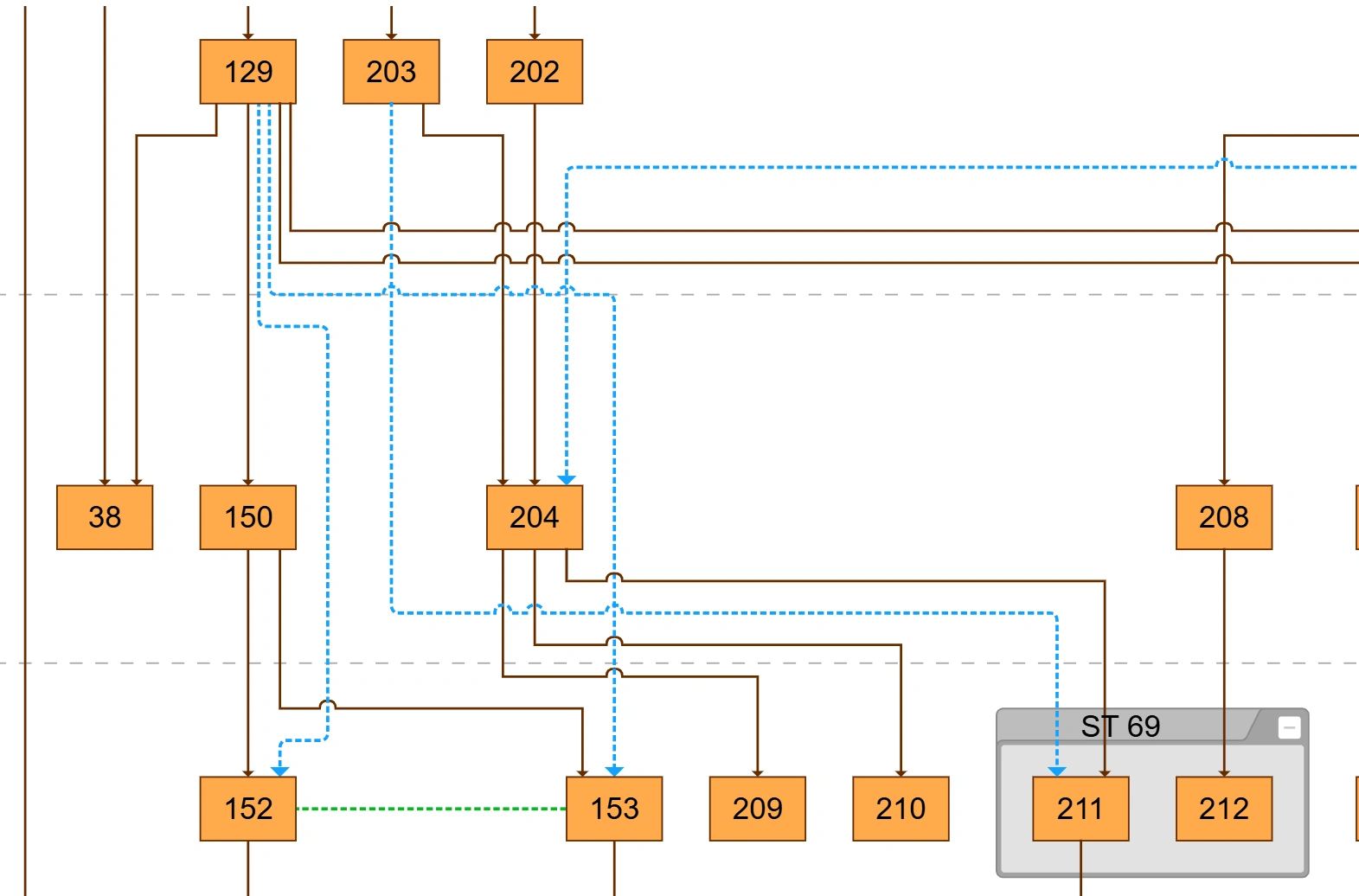
Declutter automatically: redundant relations are hidden by default (one click shows them in blue); “contemporary with” relations display in green and can be toggled off.
Edit freely, stay in sync

Full manual control.
Move elements, create or delete relationships, undo and redo, search any unit by number. Automatic placement keeps the layout clean while you work. Switch it off at the end to fine-tune positions for publication.

Synchronized with your forms, if you want.
Manual changes to the graph can be written back to the stratigraphic relationships in your forms, or kept as a visual adjustment only. You stay in full control of what touches the data.

One configuration for the whole team.
Colors, shapes, icons, and tooltip rules can be saved as your organization's default, so every colleague starts from the same base.
Publication-ready export
Export the matrix as PDF or SVG: clean vector output ready for your reports, articles, or layout tools such as InDesign and Illustrator. Print directly from the browser.

Instant validation.
Spot input or logic errors as soon as they appear.

Time-saving in the field.
Generate a provisional excavation matrix without waiting for post-processing.

Manual adjustments.
Refine the graph freely: positioning, elements, relationships.

Professional-grade output.
A clear, exportable matrix, suitable for scientific publication or public outreach.
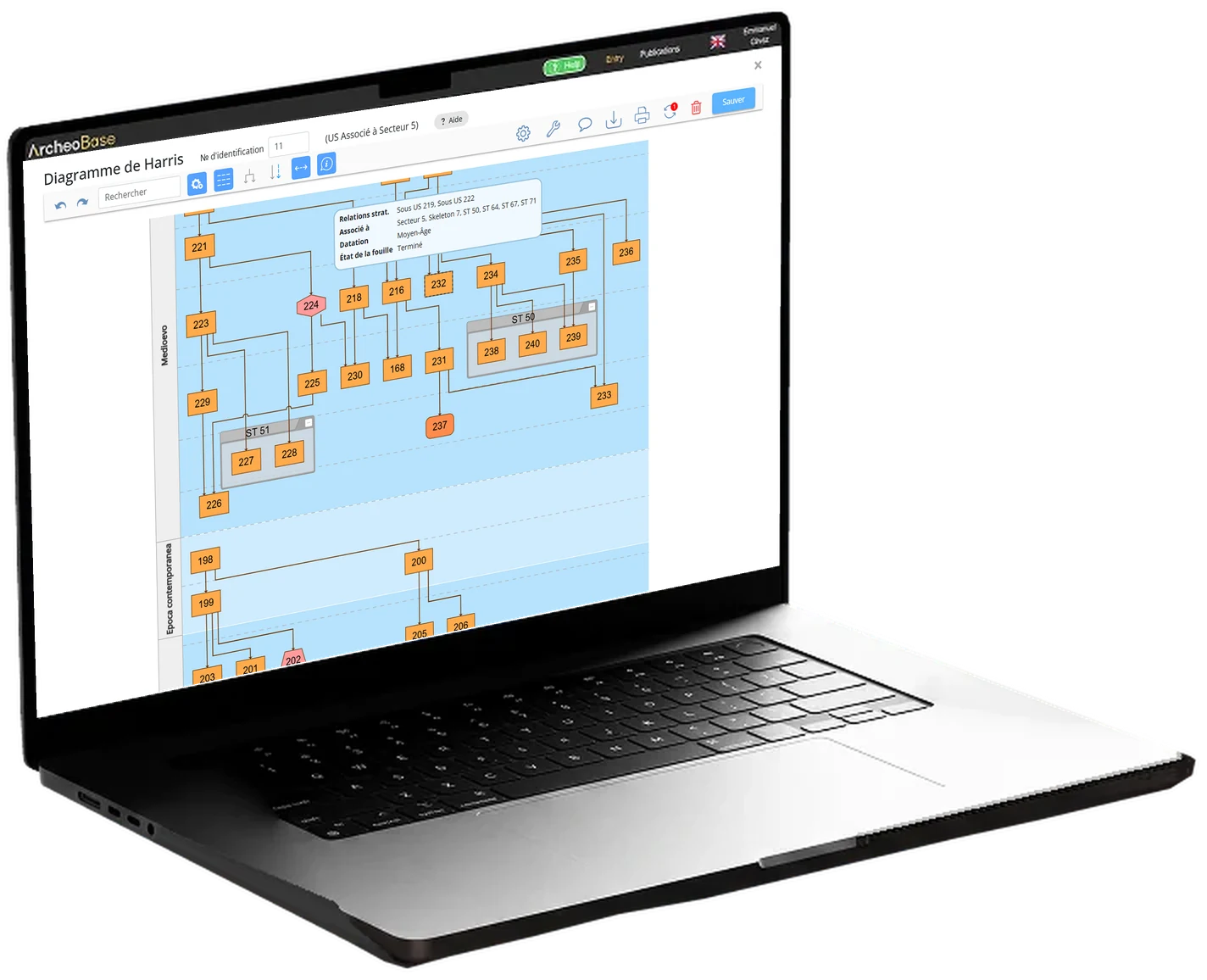
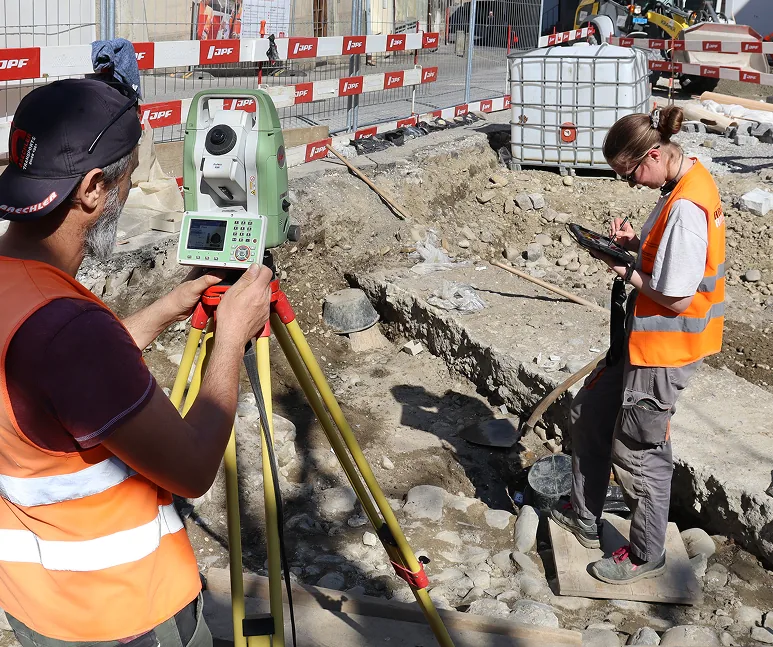
On an excavation site, you can very easily check that you've documented everything properly. The Harris matrix is a tool that shows us our mistakes, and the ArcheoBase version highlights them in red.

Make your stratigraphic data reliable
right from the excavation.
Free calibration to your methodology.
Free field test. No commitment.