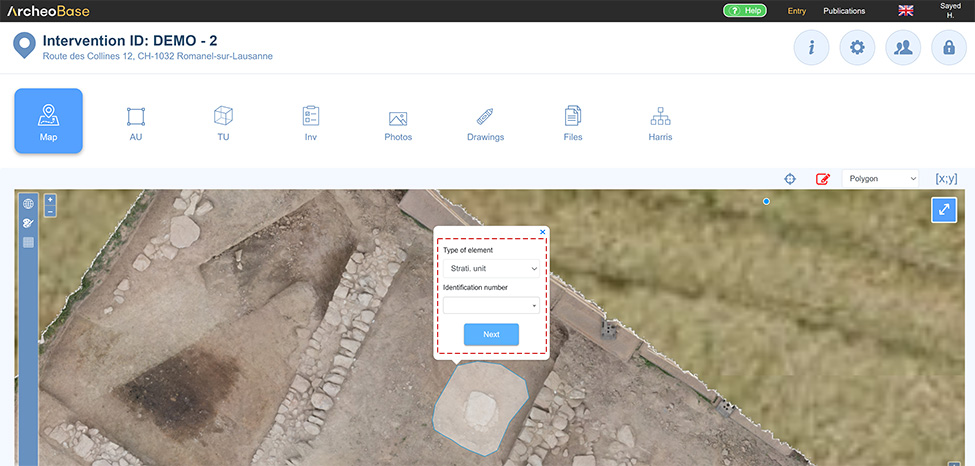
Draw a geometry type
The simplest way to enter coordinates is to directly draw the desired geometry type on the map using the drawing tool  .
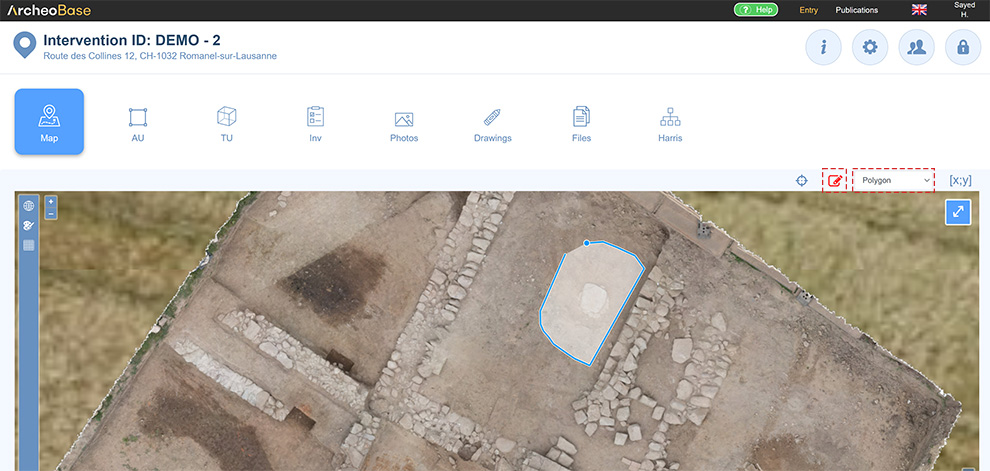
As soon as the desired geometry type has been drawn, a window proposes to assign its coordinates to a new form or to assign them to an existing form.
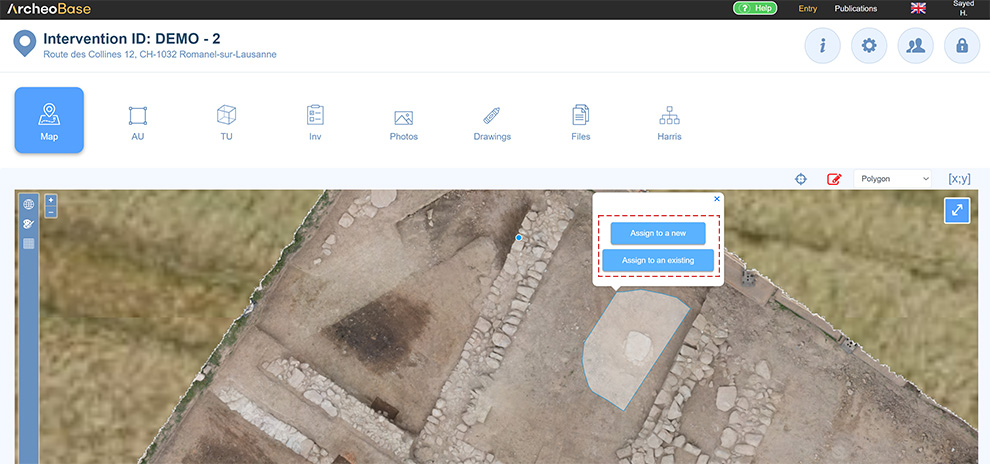
Assign the geometry to a new form
If the Assign to a new form button is activated, the type of the new form must be selected and a new form will be automatically created after the selection.
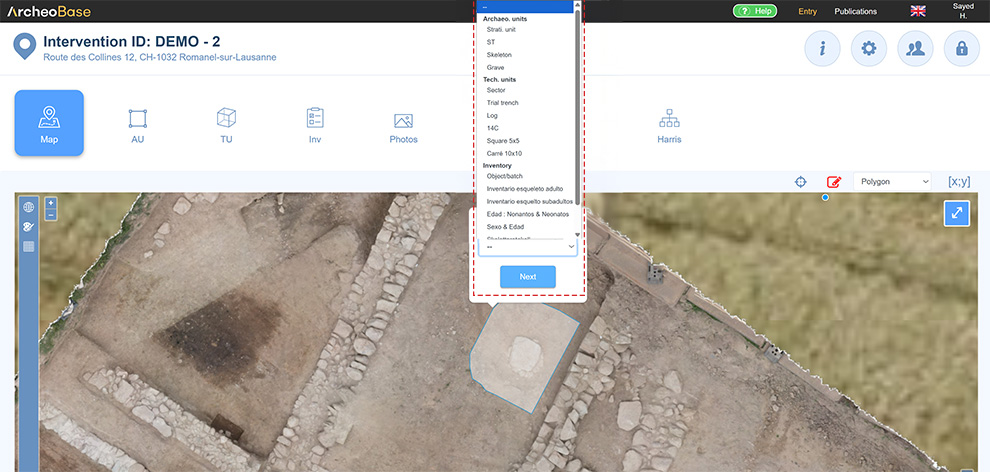
Assign the geometry to an existing form
If the Assign to an existing button is activated, the type of existing form followed by its form number must be selected. This allows for correctly assigning the geometry's coordinates to said form.