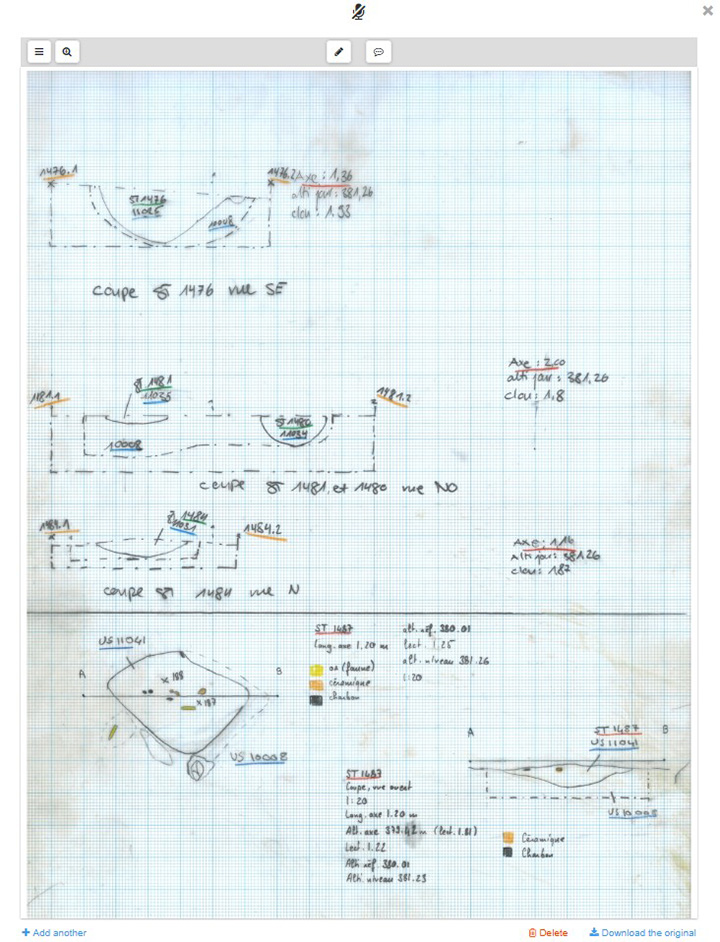
As soon as a drawing form has been opened or created, scanned drawings can be added to this form via the  button.
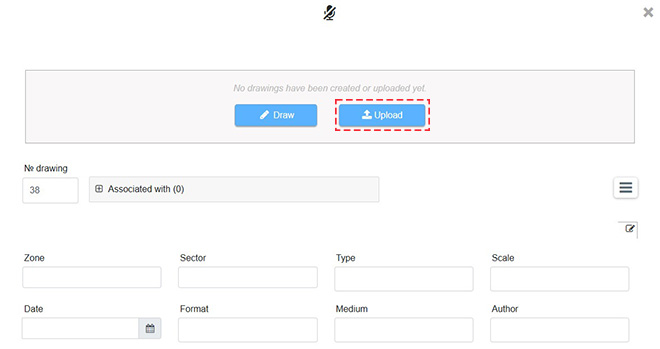
Once the upload window is open, files can be selected or dropped in.
- Accepted formats are: .gif, .png, .jpg, .jpeg, .jgw, .bmp, .tif, .tiff, .pdf, .ai, .eps, .ps, .psd
- Numbering is automatically incremented.
- It is possible to upload multiple drawings at once in the same form.
- This feature is useful when, for example, the user wants several scans related to the same drawing to be saved under the same drawing number and therefore share the same dynamic fields.
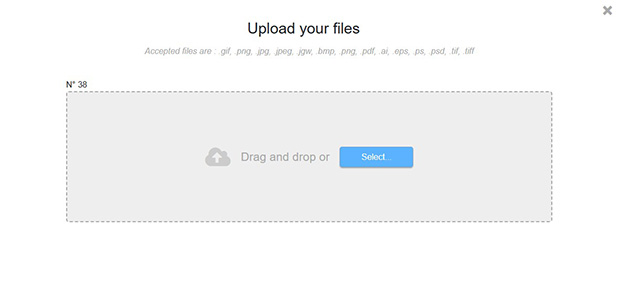
After uploading, the drawing appears within the form.